Slide App Setup and User Guide
This guide explains how to install, set up, and use all features of the Slide app correctly.
Overview
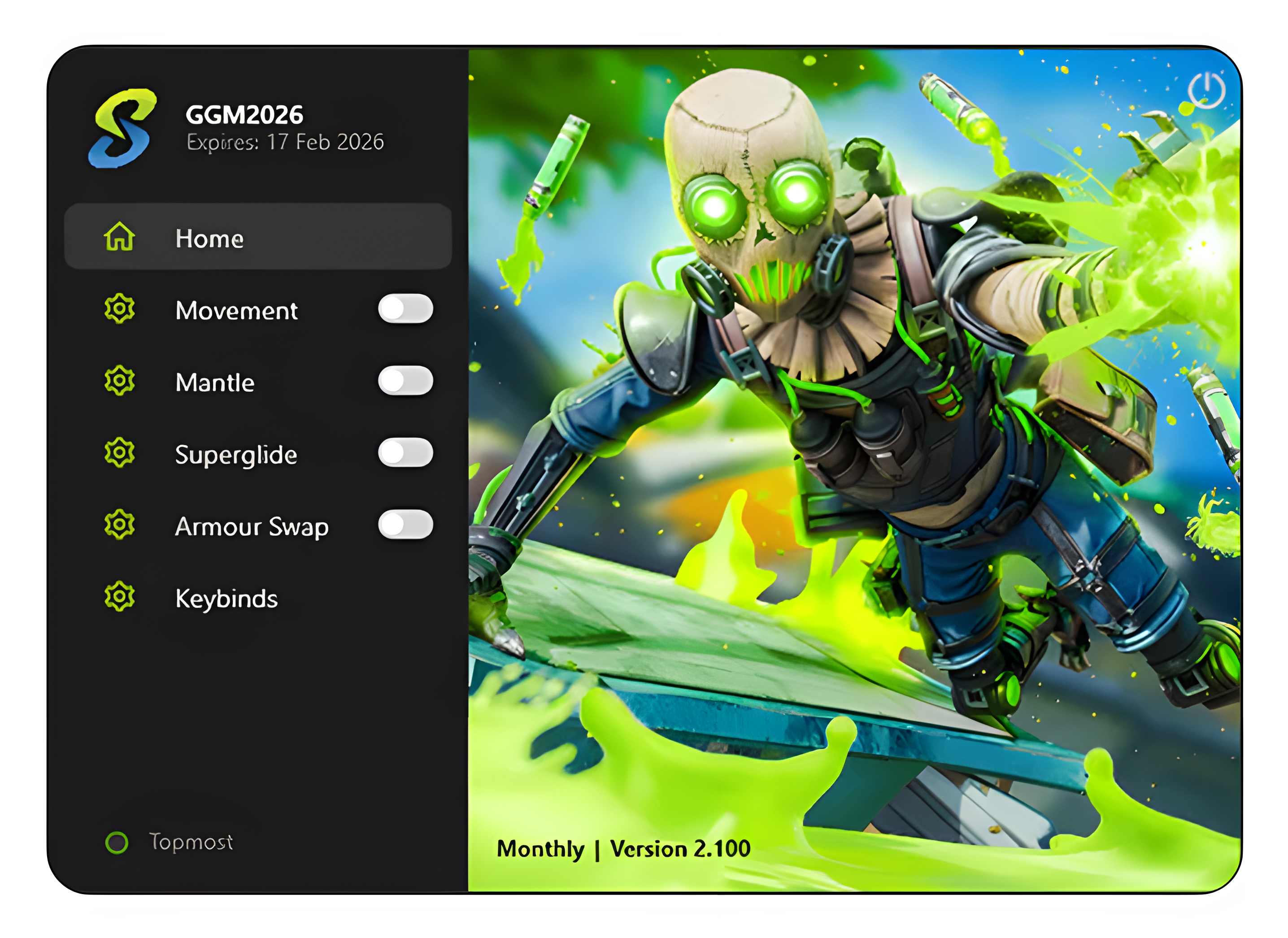
Welcome to the official customized guide for Slide. Follow these steps carefully to ensure the best performance.
Required Installation
Open the Files folder and install:
ViGEmBus_1.22.0_x64_x86_arm64.exe
This driver is required for movement to work. If ViGEmBus is already installed, you can skip this step.
Steam / EA Launch Options
Before opening the app:
- Open Steam or EA App
- Go to Apex Legends
- Open Launch Options
- Add the following line:
+exec autoexec.cfg -nojoy
Note: If you already use a cfg file with a different name, do not change
it. Only add -nojoy. The app will automatically detect and use your
existing cfg file.
Open Slide
Once all previous steps are completed, open the Slide app.
Superglide Setup
This step installs or loads the autoexec.cfg file if needed.
- Open the
cfgfolder inside Slide - Copy the path to your Apex Legends cfg folder.
Example:C:\Program Files (x86)\Steam\steamapps\common\Apex Legends\cfg - Paste the path into the field in the Slide app.
- Click Save.
Your cfg will now load correctly when the game starts.
Movement Setup
- Click AMX. This will start GX.
- Inside GX:
- Click Load > Go to the Files folder > Select
slide.gamecontroller.amgp - Click Open
- Click Load > Go to the Files folder > Select
- GX is now set up.
To use movement:
- Enable Movement in the app
- Hold Space
- Press the movement keys to strafe
Mantle
- Enable the Mantle feature in the app.
- While mantling, look at the correct angle.
- Press the assigned keybind.
Armour Swap
- Click Set Region
- Drag a box where the shield icon appears (AI detection area)
- Click 1
- Drag another box where the mouse cursor should move. This box must be inside the Set Region area.
Important: When the mouse cursor moves, you must click manually. Mouse click input was patched by Apex.